 Ouro UI
The robot double-taps every switch on the bench, hunting for jank. So far the meadow is clean.

Ouro Feel
Jank has genres. Feel has a check for each.
A taste reviewer can tell you a screen feels off. Ouro Feel tells you which way, where, and on which build, from a UI test that runs as often as you push. It walks your app the way a thumb would and leaves the humans only the real questions of taste.
These switches are the whole idea in miniature. One has the tap lock Feel's test app plants as a bug. Your thumb notices; now Feel does too.
Try it here Double-tap both switches, fast. Space twice works too.
Ignores taps for a beat after one lands
Waiting for a double tap.
0 sent0 landed
Your second tap counts too
Waiting for a double tap.
0 sent0 landed
The genres
Ten genres, named and checked.
Each genre is one check, run from your UI tests on a simulator, with its own report. A check that couldn't see enough says "could not check", and never passes on a hunch.
- The way backEvery screen you reach has a visible way back and a gesture back, and both return you where you were.
- Overlay dismissalEvery sidebar, popover and menu leaves on a tap outside it, and once you pick something.
- Inside the windowEvery control sits wholly on screen, in every orientation, and after a turn and back.
- Tap landingOne tap anywhere on a control works, every time, with no second try.
- Double-drawEach thing is on screen once. No ghost twin mid-transition.
- Jump after landingOnce something lands, it stays landed. No little nudge afterwards.
- Late or lingering chromeBars hand over in one beat: never two at once, never a blank between.
- Snap with no transitionThings that move travel there. Nothing teleports.
- Settle timeThe screen comes to rest promptly after you act.
- Place stabilityReopen, relaunch or turn the device, and you're exactly where you were.
First catch
Gatefold's panel had wandered off the edge.
On its first real app, Feel's inside-the-window check found 32 control readings outside the window on Gatefold build 19, at 8ce5611, and passed the fix at bd9356e. Gatefold is an e-reader, and its Fine-Tune panel is where you pick a font and fuss over margins.
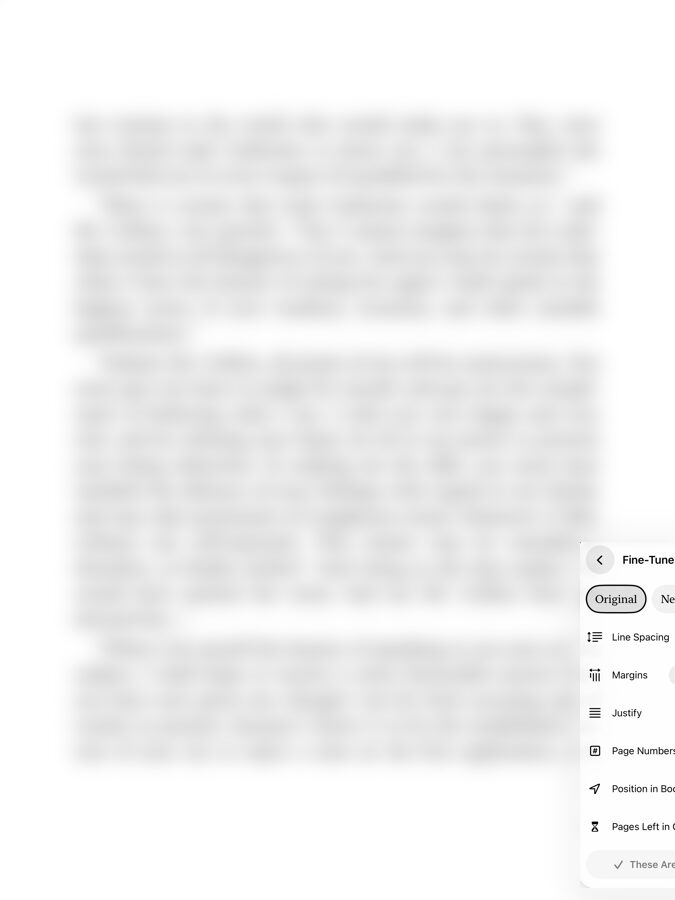
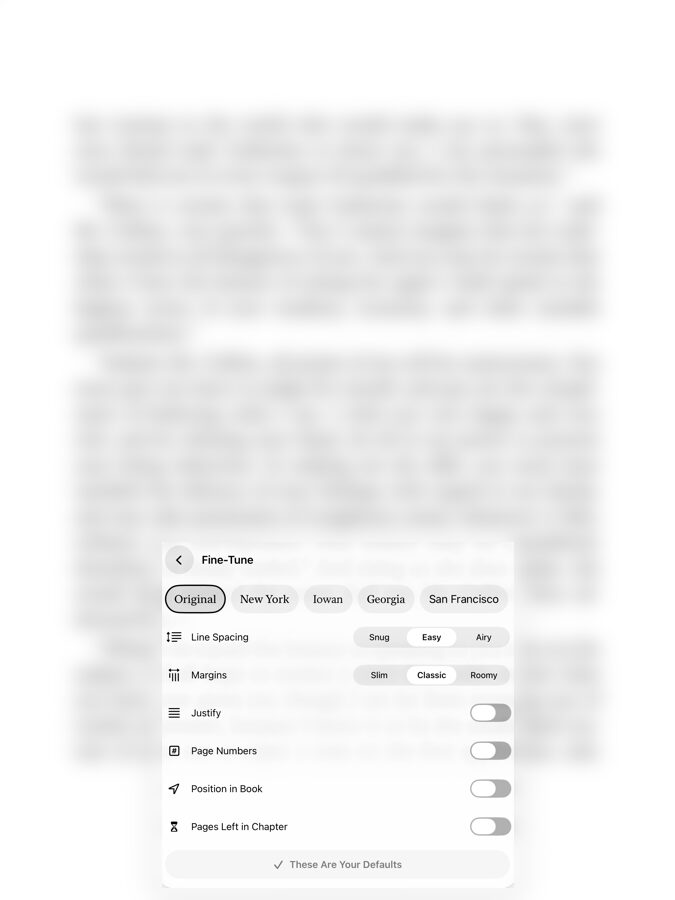
FAIL inside the window: controls outside the window in 2 of 3 poses
FAIL inside the window: controls outside the window in 2 of 3 poses
- button "font.newYork" at (997, 894, 103.500×44) is outside the (0, 0, 1032×1376) window in portrait
- button "font.iowan" at (1108.500, 894, 74.500×44) is outside the (0, 0, 1032×1376) window in portrait
- button "font.georgia" at (1191, 894, 87×44) is outside the (0, 0, 1032×1376) window in portrait
- button "font.system" at (1286, 894, 135×44) is outside the (0, 0, 1032×1376) window in portrait
- …and 28 more like them, off past the window's right edge.
measured: outside=32, poses=3
A person would just see a panel that looks a bit cramped. Feel read the controls' frames against the window, in portrait, landscape and portrait again, and found the switches had wandered off the edge of the world. Inside the window is just one genre.
Tap landing
Our bar is higher than UIKit's.
People tap again while a switch is still sliding. Feel double-taps a two-state control and reads where it ends: back where it started means both taps landed. On the iOS 27.2 simulator, the Settings app's UIKit switch kept only the first tap of a double tap, 0 pairs in 5, while a SwiftUI Toggle kept both in 5 of 5. So the system's own switch is shown beside yours for context, never as an excuse: every pair must end where it started.
let rapidBaseline = feel.osBaseline(rapid: true)  // UIKit, for context
feel.expect(feel.tapLanding(on: app.switches["appearance.pageNumbers"],
                            trials: 5, rapid: 5, rapidBaseline: rapidBaseline))
Tried the duel up top? The locked switch is what a quick thumb meets on a control that's busy animating. Feel's report carries the same rapid line, after its single-tap count, plus where it ran and which clock timed it.
Add it
A few lines in your UI tests.
Link OuroFeel into your UI test target, point it at your entry points, and let it walk. A failing check fails the test, with its report attached.
import OuroFeel
import XCTest

@MainActor
final class FeelTests: XCTestCase {
    func testItFeelsRight() {
        let app = XCUIApplication()
        app.launch()
        let feel = OuroFeel(app)
        feel.expect(feel.wayBack(from: [.launch, .tab("Kitchen")]))
        feel.expect(feel.insideWindow())   // portrait, landscape, portrait again
    }
}
Ouro Feel is on ouro-ui-apple's main branch now, and comes in a later release. The guide walks through the flags, and the taste rubric says what still needs a human eye.
Its checks come from real reviews: Gatefold's reviewer drivers, Spoonjoy's jank tools and the HX gallery's motion gate. Now they're one library your app can run too.
Ways of knowing
Three layers: claims, behaviour, and how it feels.
Claims held
AX X-ray
Does it say what it does?
Reads the built app's App Intents from outside and checks that its claims hold.
Behaviour
Reins
Does it do it?
Drives the screens as state and actions, headless, with the network blocked.
How it feels
Feel (this page)
Does it feel right while it does?
Walks the real app in a simulator and measures its jank, genre by genre.