 Ouro UI
Press the green card on the phone, then on the laptop. Same spring, same little click.

Ouro HX for Apple
Feel it before you read about it.
The foundations ship today in 0.2.1: one spring, one press, eight named haptic moments and six themes. The clips below are the real SwiftUI, captured. The twins beside them run the same idea in your browser, so you can poke it.
Motion
A spring with a temperament.
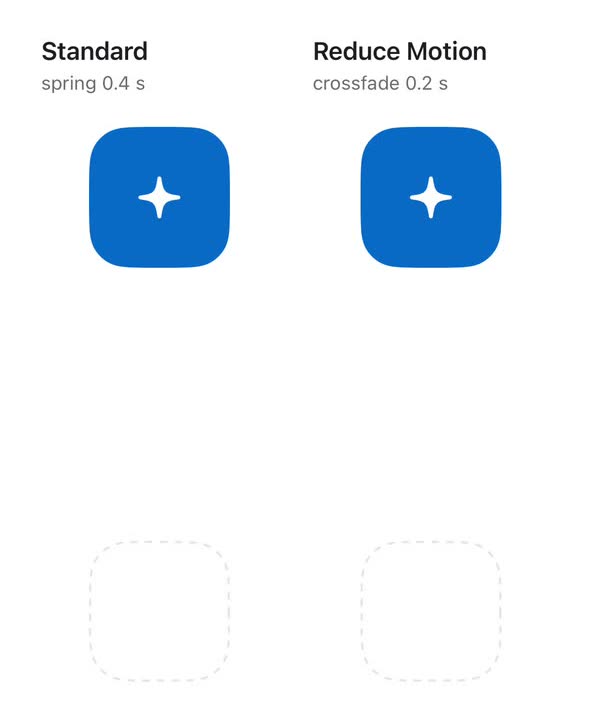
Nearly everything that moves uses core's one spring: a 0.4-second response with a bounce of 0.15. Springs don't have an end time, they have a temperament, so you can grab one halfway and send it somewhere else and it keeps its speed.
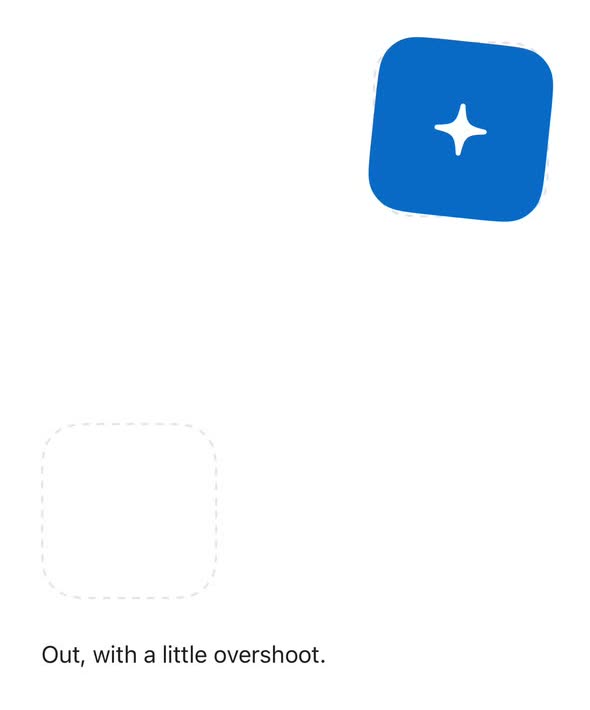
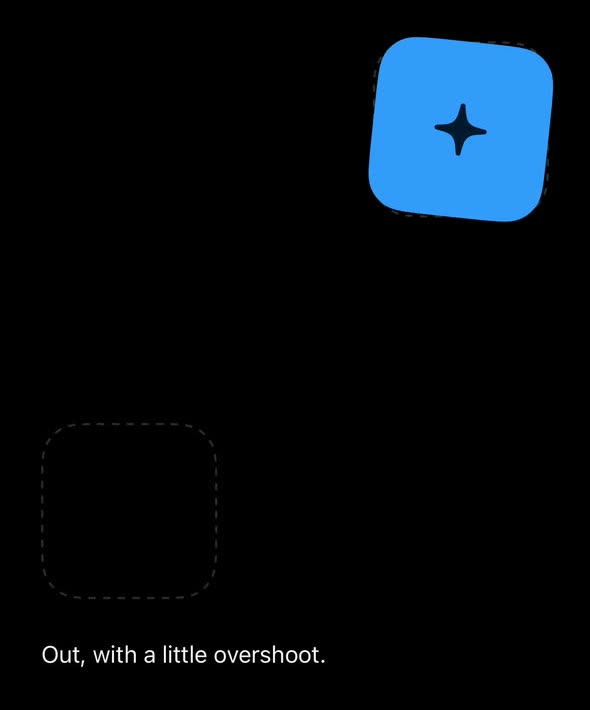
Web twin The same spring, solved in your browser by HX web. Not SwiftUI, and proud of it.
Fade instead of moving, as OuroMotion does.
Drag it, fling it, or press the button twice quickly to catch it mid-flight, and watch its path trace over the curve.
withOuroAnimation(.spring, reduceMotion: reduceMotion) {
    saved.toggle()
}

// or let a value drive it
Tile().ouroAnimation(.spring, value: saved)
Reduce Motion
A crossfade, not a trip.
With Reduce Motion on, every kind of motion becomes a 0.2-second crossfade, and a press stops shrinking. You don't write that rule; the package's modifiers follow it for you. The twin above has the same switch.
Press
A press you can feel with your eyes.
A pressed control shrinks to 0.97 of its size over 0.16 seconds, on the web and in Swift alike. The buttons on this page are Ouro HX for the web, so they're twins already. The tart below has one; press it and hold.
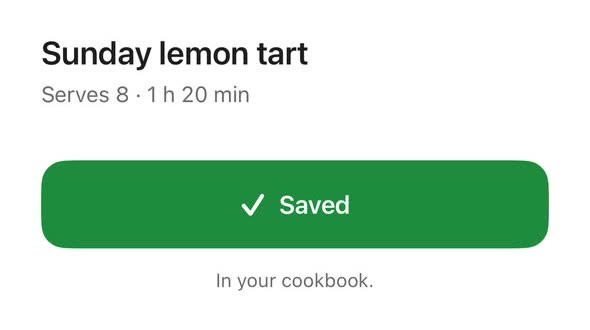
Web twin Press and hold to feel the dip; let go to save.
Sunday lemon tart
Button(saved ? "Saved" : "Save") { saved.toggle() }
    .buttonStyle(.ouroPress)
    .ouroHaptic(.checked, trigger: saved)
Haptics
Eight moments, one table.
Haptics are named for the moment, not the motor, so the same thing taps the same way on whichever screen it happens. Press a moment to see its taps, and switch on soft clicks to hear them.
Hear a moment as a quiet click when you press it.
A choice changed: a tab, a segment, a picker row.
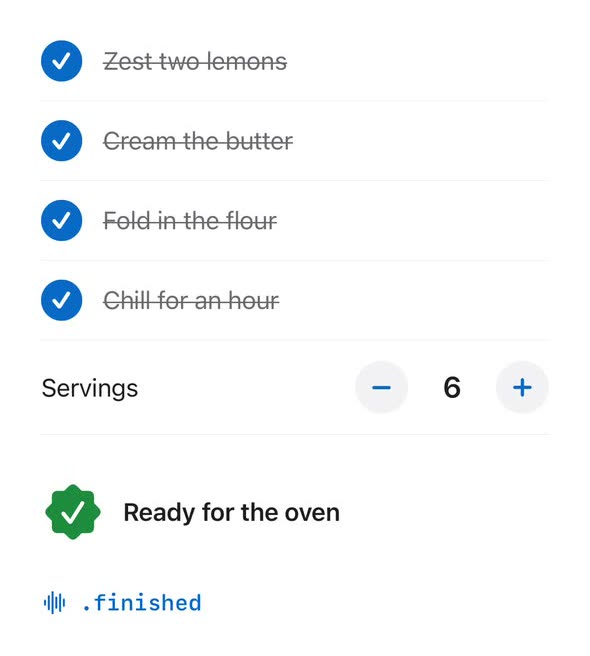
Something ticked off: an ingredient, a list item, a to-do.
A stepper moved one step.
A page or step turned.
Something began that runs on: a timer, a cook session, a download.
Something finished well: a timer ran out, a book or recipe finished.
About to do something that can't be undone.
It didn't work.
The taps are a sketch of how a moment feels, drawn from Apple's system feedback rather than its exact waveform. The choosing, ticking and stepping moments share iOS's selection tick on purpose: the name says what happened, the tick stays the same. Your iPhone's browser can't tap you back; the app can.
Colour
Themes, and the maths to keep them legible.
The six themes are the same ones that repaint this website: Pearl, Abyss, Brass, Chart, Cookbook and Coral. Open the theme picker up top and repaint the whole ship. OuroColor checks contrast for you and picks a readable label for any fill, in light, dark and Increase Contrast.
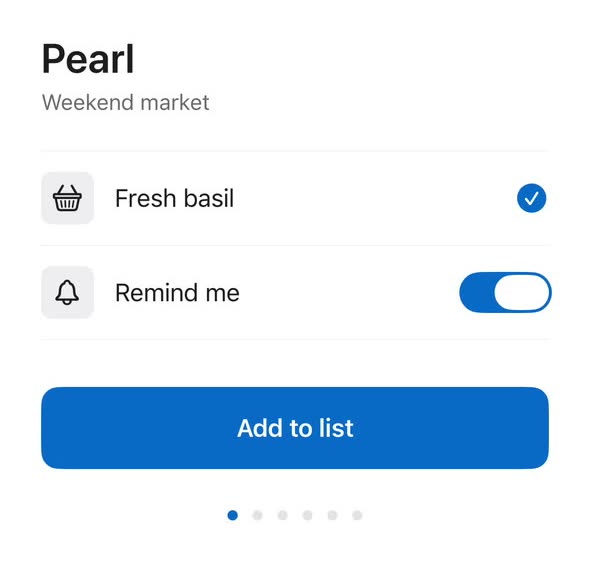
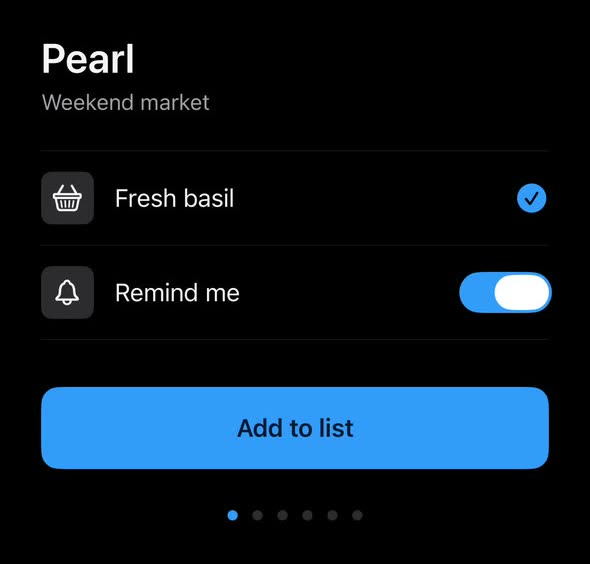
ContentView()
    .ouroTheme(.pearl)

// anywhere below
@Environment(\.ouroColors) private var colors
And on a phone that folds, OuroFoldPosture tells you whether it's open like a book, half-open on the table like a tiny laptop, or shut.
Measured
Then Ouro Feel checks it stays that way.
A spring that feels lovely today can pick up a snap, a jump or a ghost copy tomorrow. Ouro Feel walks your app from a UI test and measures jank genre by genre, so the manners on this page survive the next refactor. Meet Ouro Feel, and duel a switch with a tap lock while you're there.